👋 Getting Started
Welcome to Helpz
Helpz is an app that connects students with businesses offering student discounts, deals or rewards.
Local businesses are an important part of university towns as it's what makes the place unique, and that's why a large part of the app is focused on connecting students with local businesses.
As a local business, Helpz provides you with your own Dashboard to manage the relationship between your business and the local uni students.
The Helpz Dashboard will enable your local business to...
- Become more visible to students
- Drive more student sales
- Increase the number of returning customers
To make things easier for you, we have already made your listing on our app for you, so all you need to do is claim it for free below, and add any discounts / deals or student exclusive offers to your listing.
We're here to help. If you have any problems setting up your business on Helpz (eg. technical support, need a logo or suitable images for your listing) we can help with all of that - just contact your local support team.
📞 Support Contactsjjjhhj
Claiming your profile
By claiming your profile you can skip all of the ⚙️ Business Setup and 📍Venues Setup and skip straight to 🎓 Student Offers.
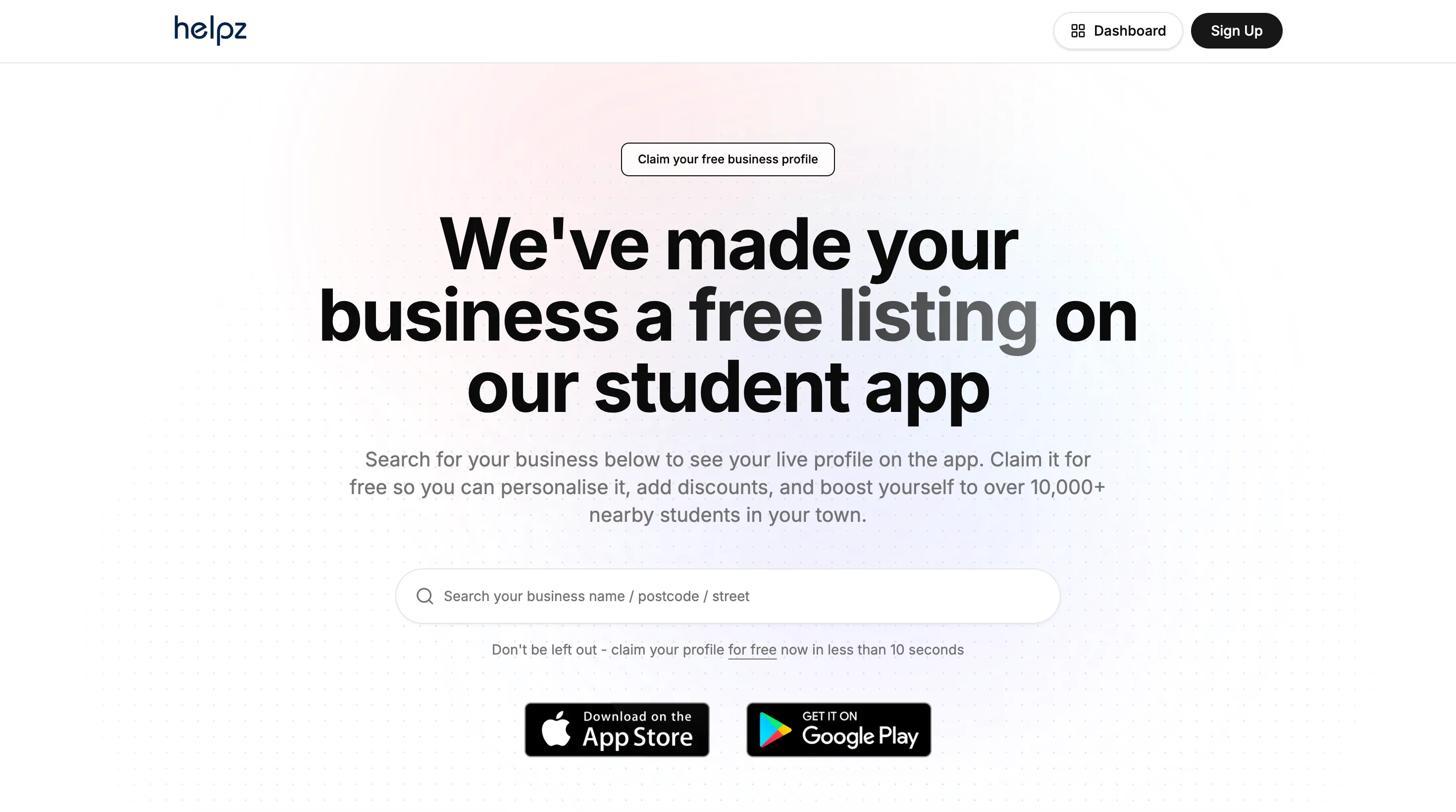
Go to the claim business listing page on our website found here.
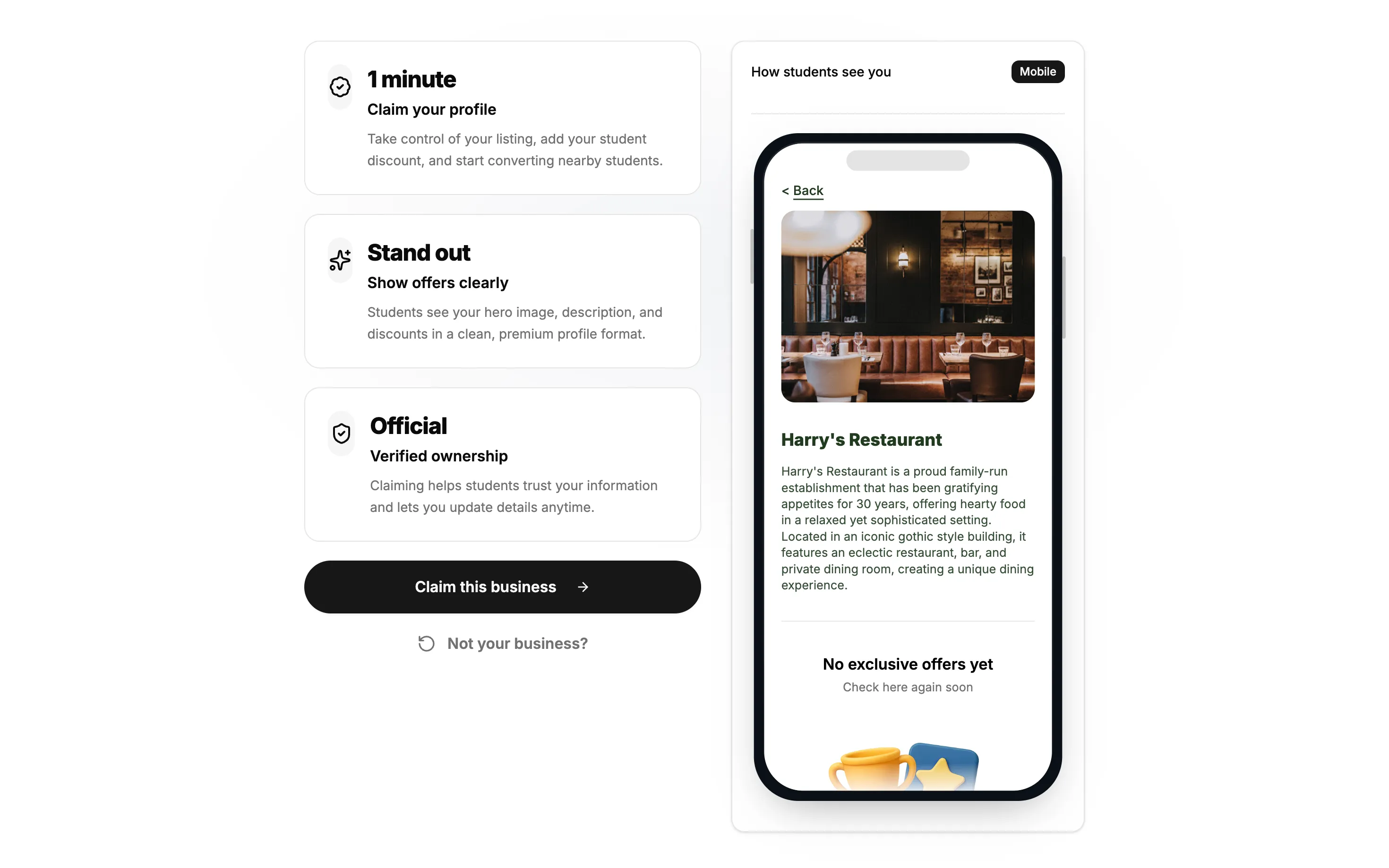
Find your live listing that is on the app, and click 'Claim this business'.
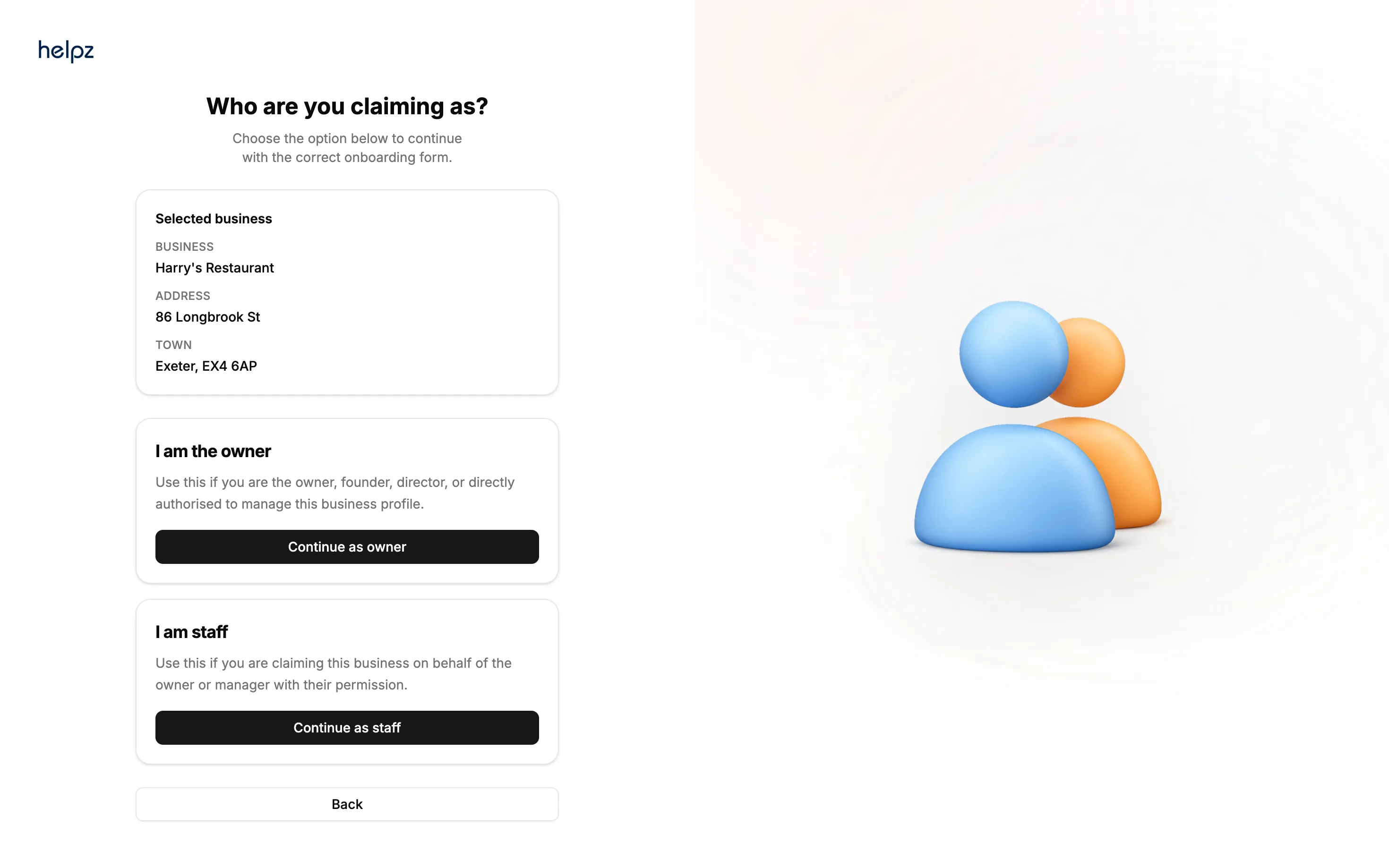
You can claim your business listing as the owner or as a member of staff.
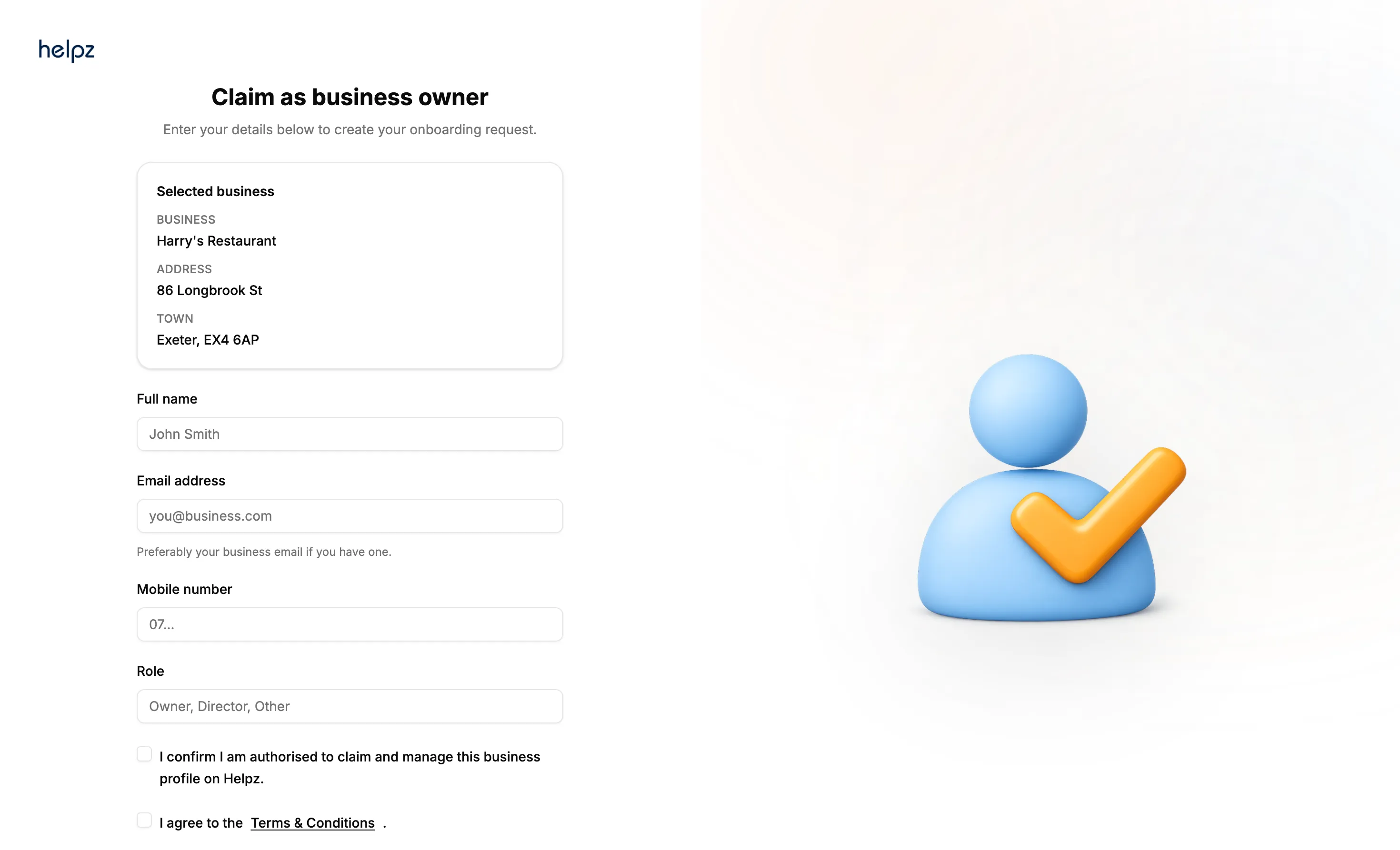
Fill in your details.
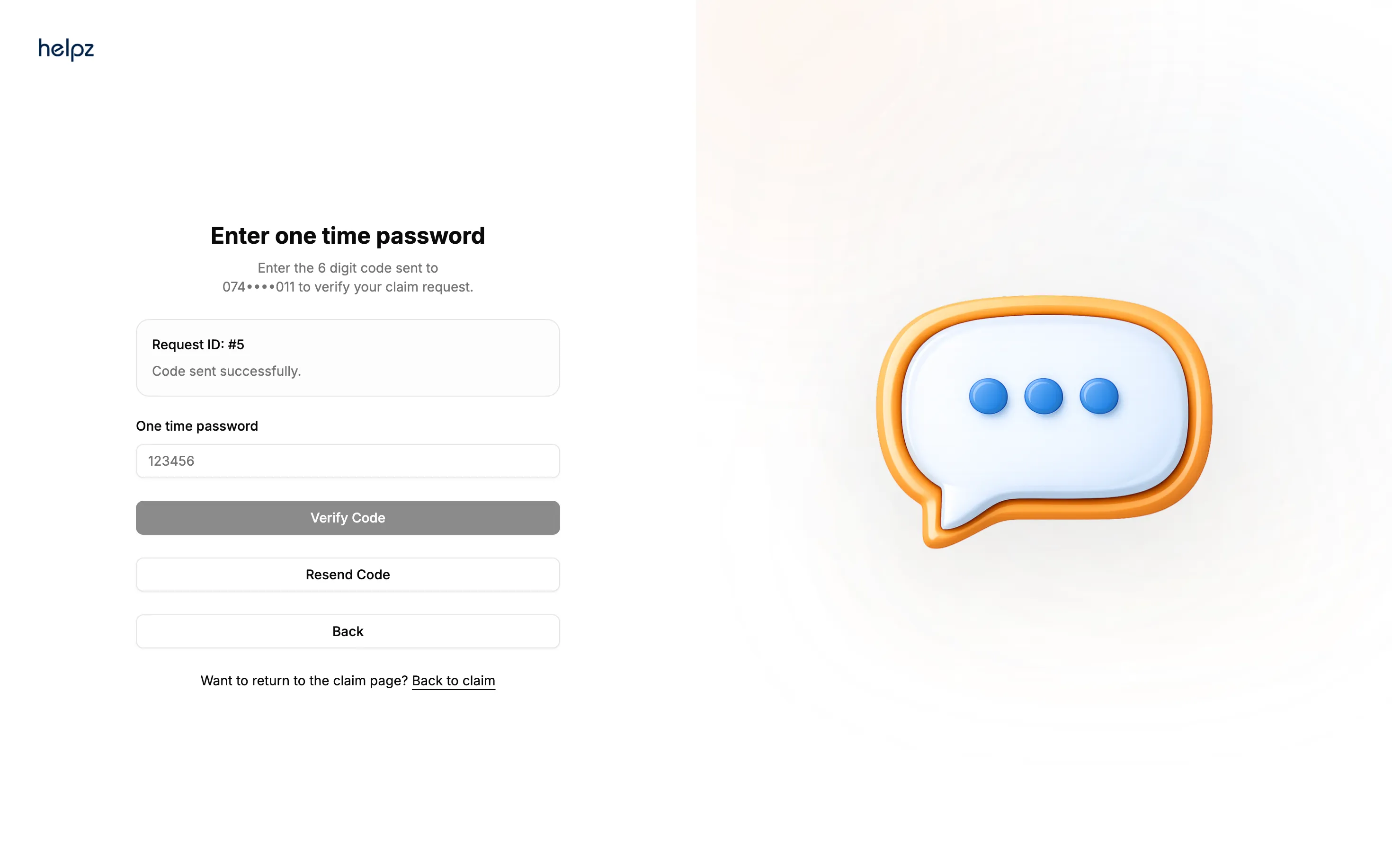
Enter the one time code to verify your phone number.
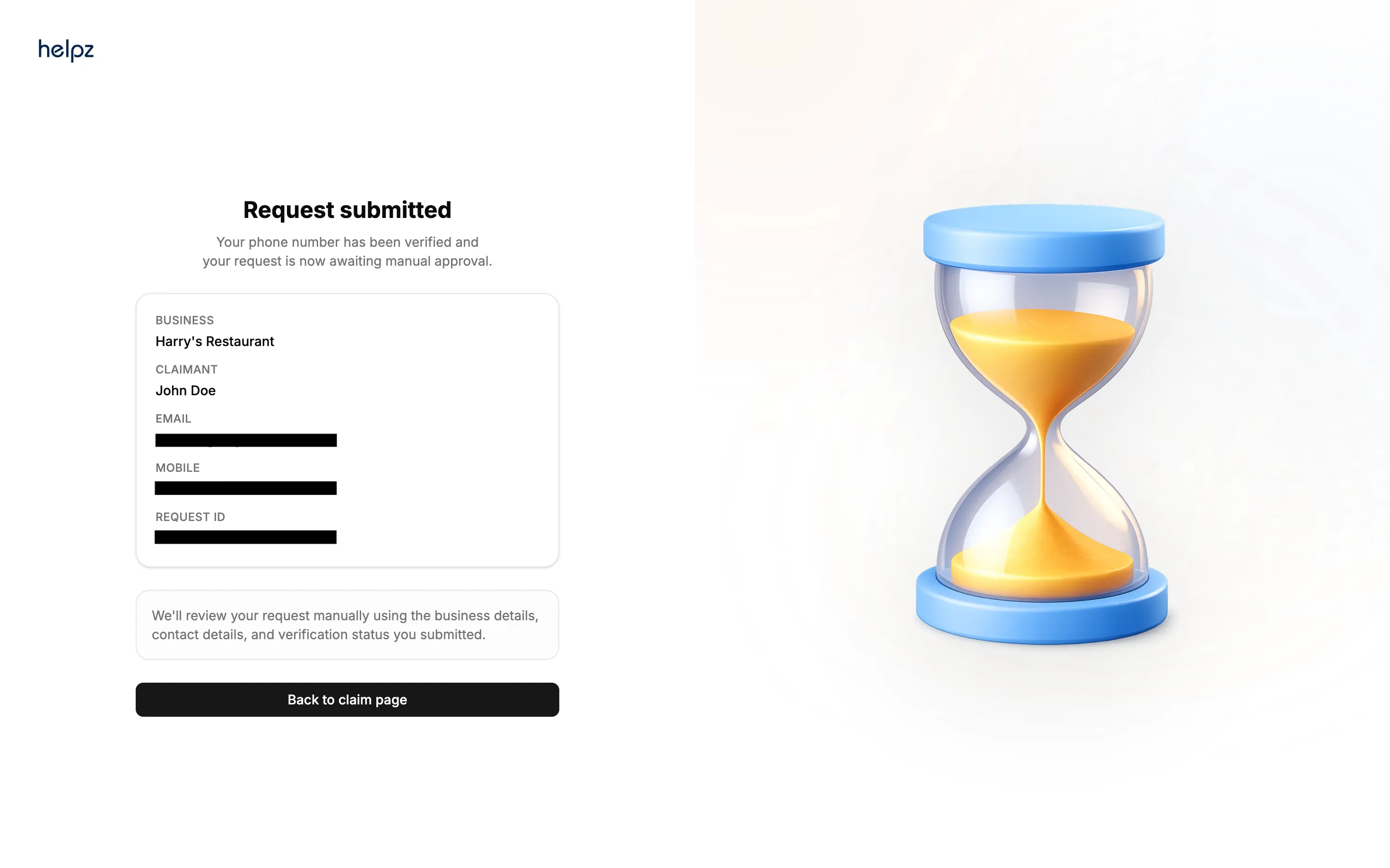
You will get approved and get access to your business listing within 48 hours.
Look out for an email and SMS message from HELPZ letting you know
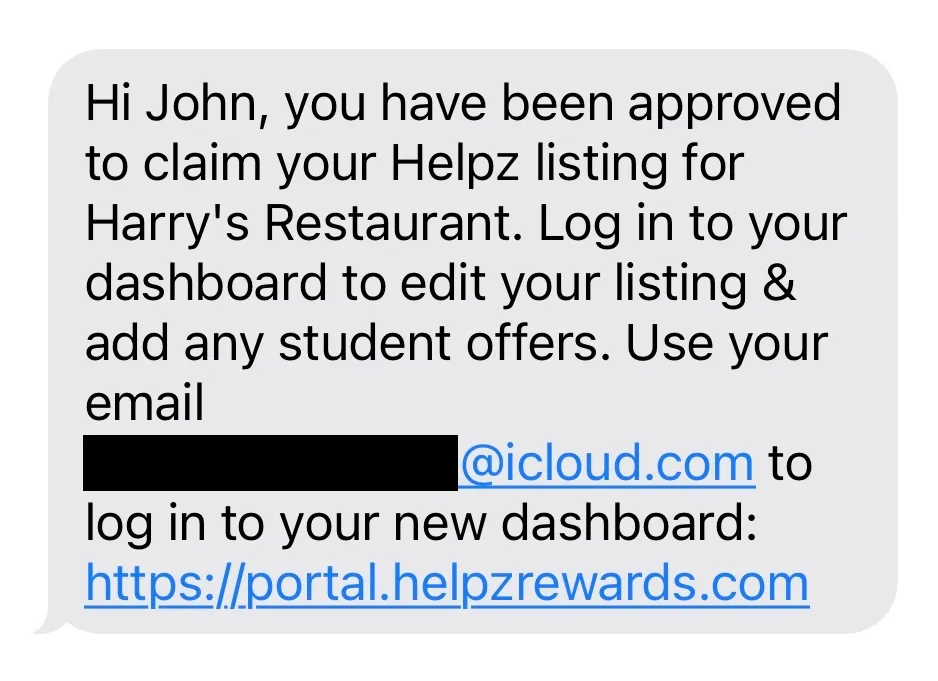
Now simply login at portal.helpzrewards.com and you're in!
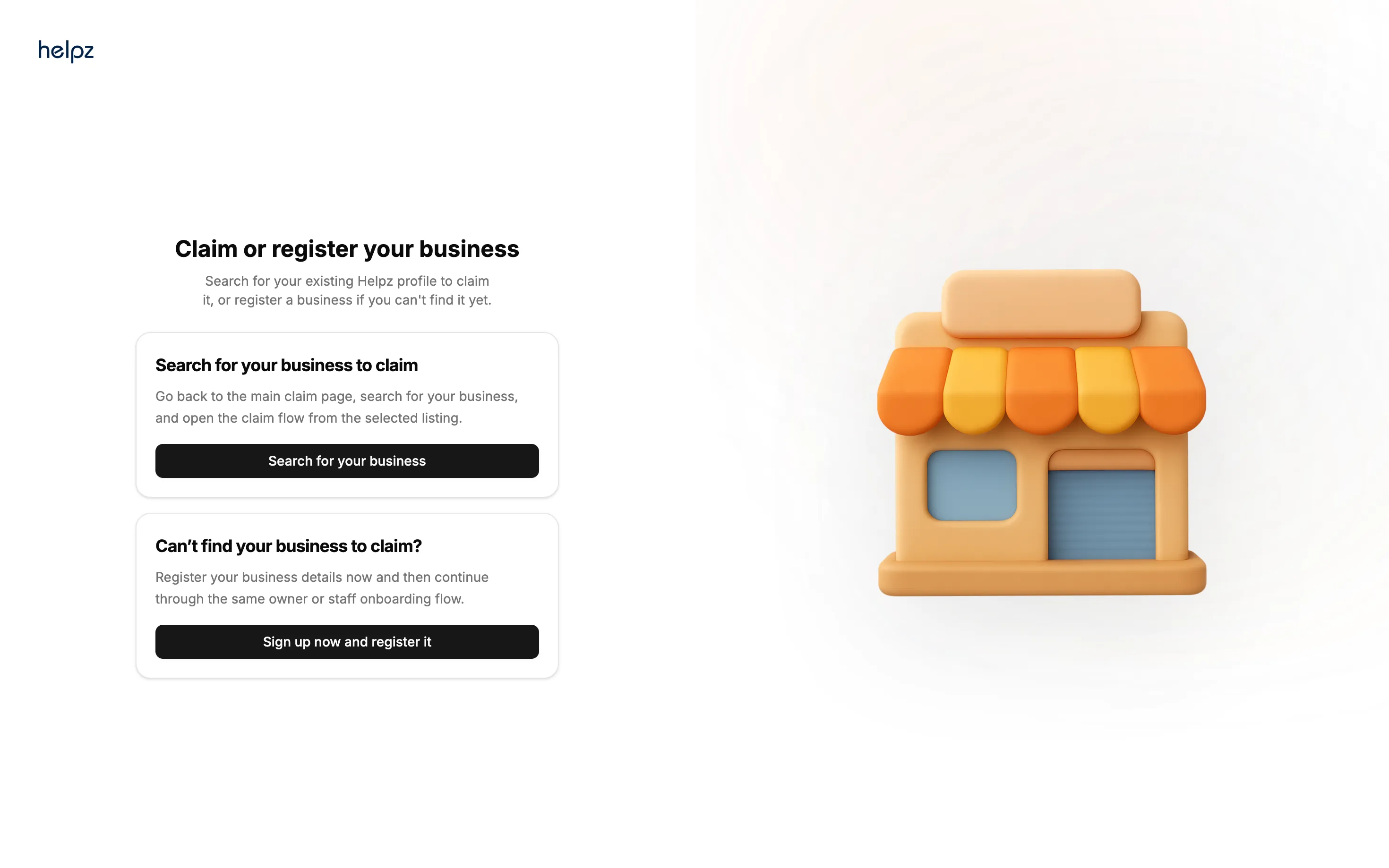
If you search for your business and can't find it, it means we haven't already made your business listing on the app, and instead of claiming it you will have to register it. Please see below:
Register your business
Go to the top right and press 'sign up' or go directly to the link found here.
Select the second option - 'Can't find your business to claim'.
Enter your business name and address.
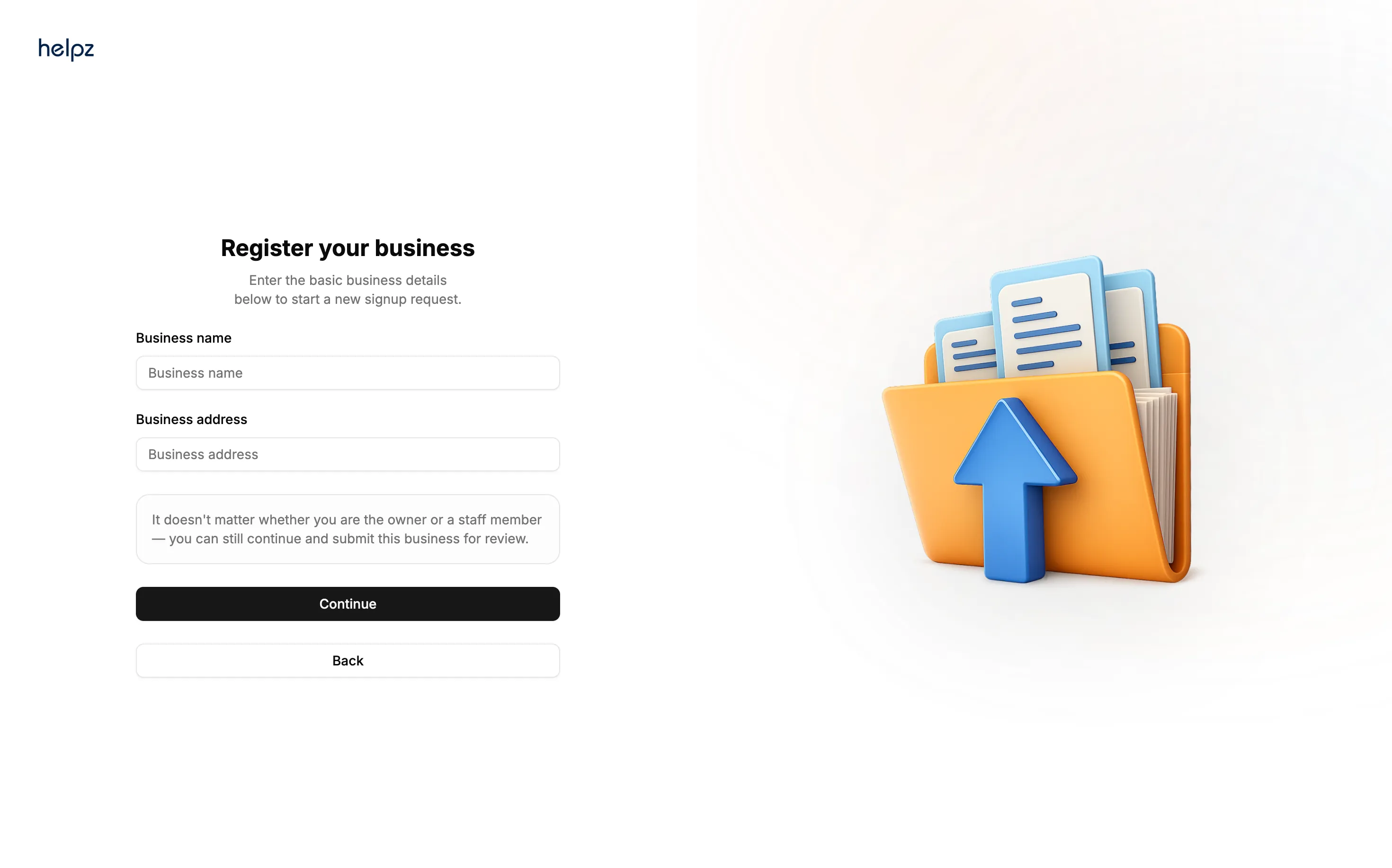
Now follow from step 3 above.
Quick Start Checklist
👋 Getting Started